
Overview
The Team widget in SiteCraft helps you showcase team members in stylish layouts. With 3 predefined designs and flexible customization options, you can present profiles with images, roles, and social links in a clean and professional way.
Key Features
- 3 unique team layouts
- Team member image support
- Name and designation fields
- Social media icons with links
- Multiple column layouts
- Alignment and spacing control
- Hover effects and animations
- Fully responsive design
How to Enable the Widget
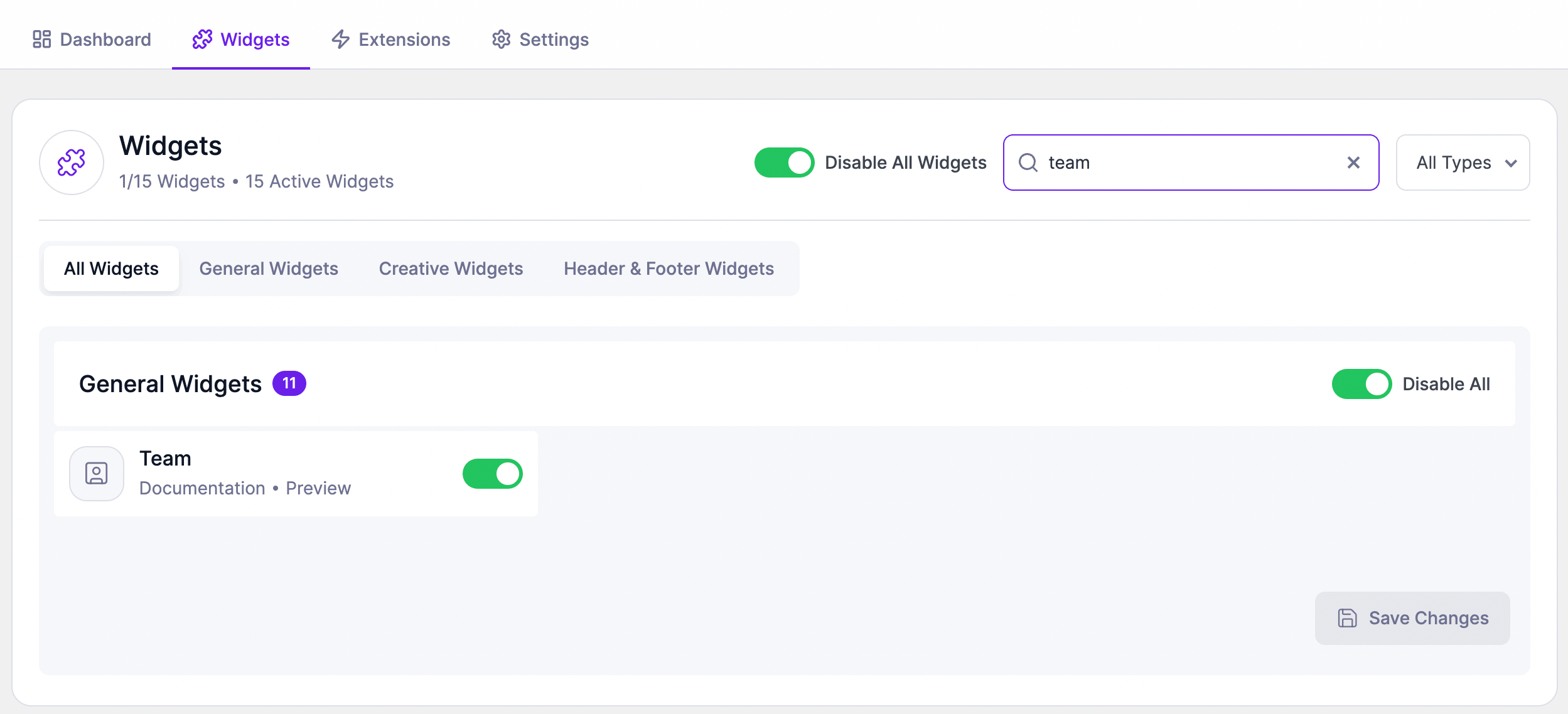
Before using the Team widget, make sure it is enabled.
Steps:
- Go to SiteCraft → Dashboard → Widgets
- Find Team Widget
- Toggle to enable it
- Click Save Changes
How to Add the Widget in Elementor
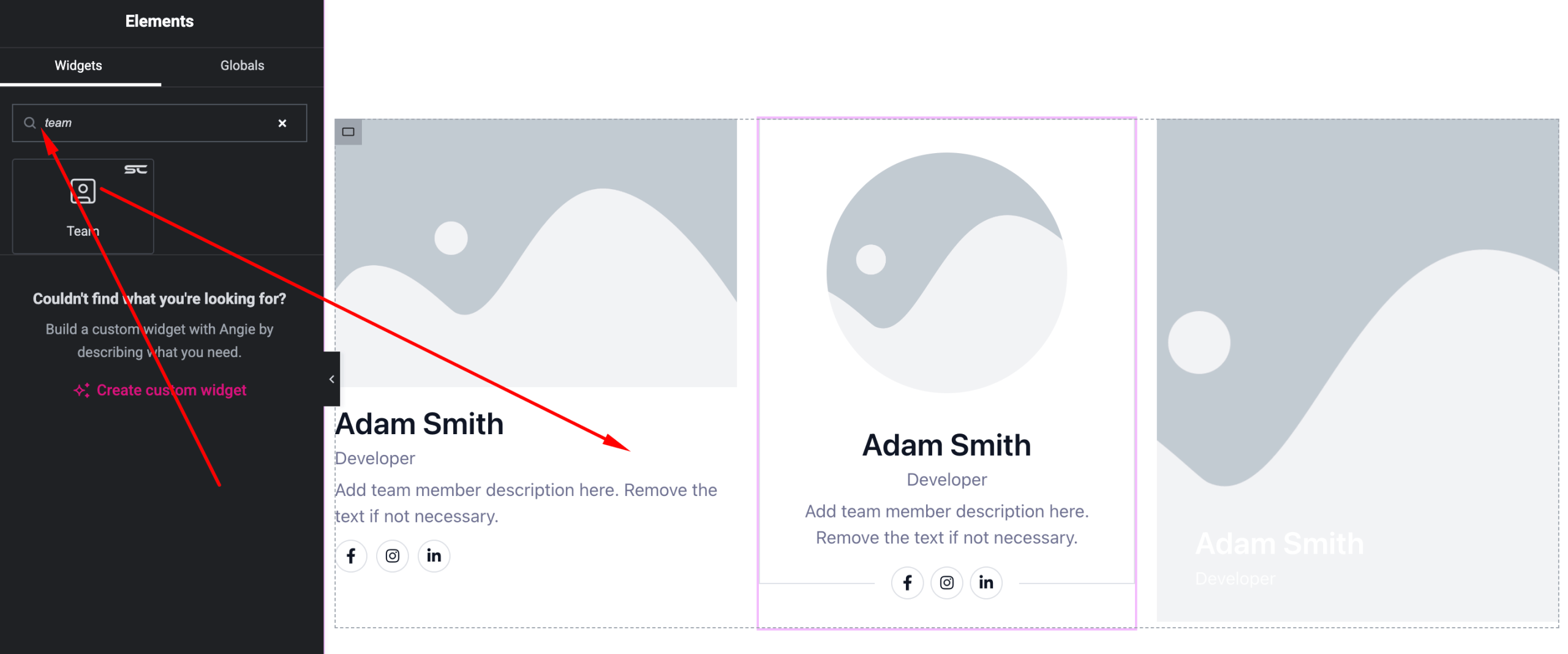
- Open your page with Elementor Editor
- Search for “Team” under SiteCraft widgets
- Drag and drop it into your section
- Choose a layout and start customizing
Content Settings
Manage team member details.
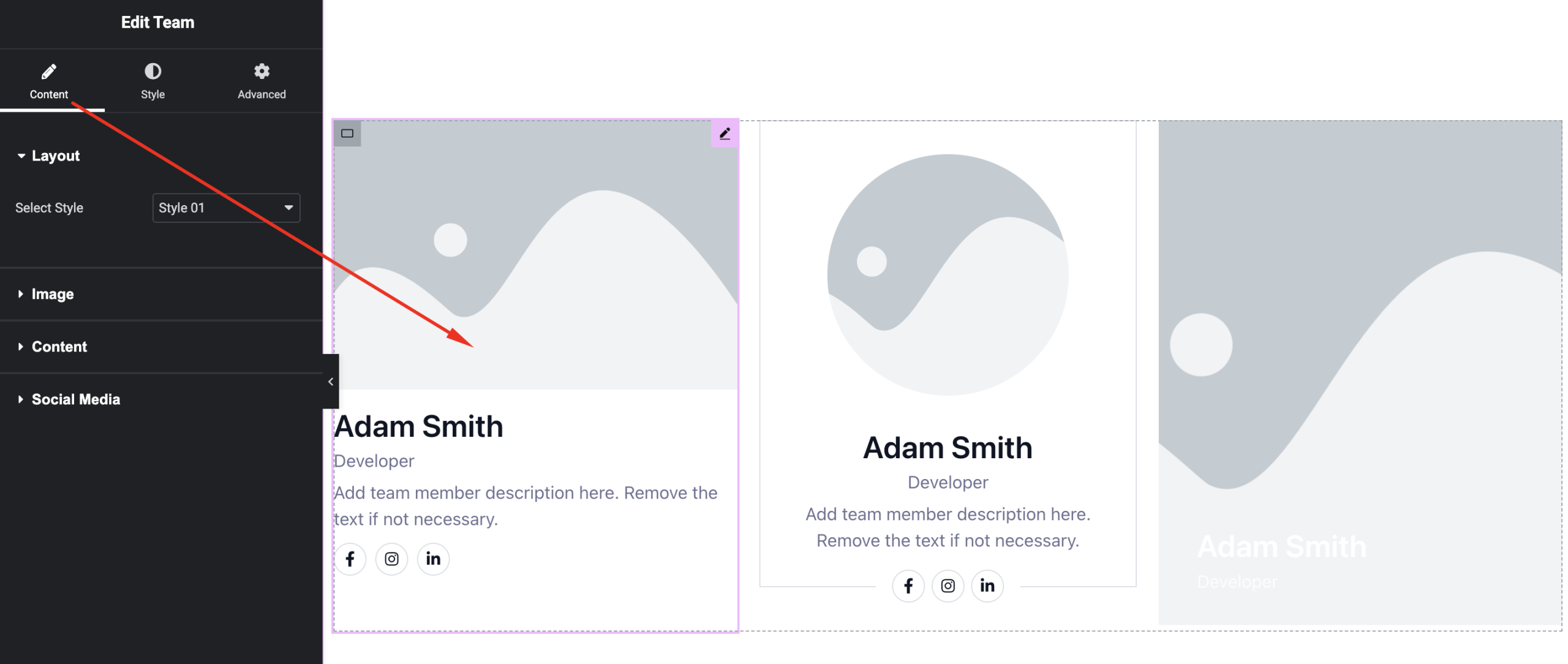
Options:
- Layout – Select one of 3 styles
- Team Members – Add multiple members
- Image – Upload profile photo
- Name – Enter member name
- Designation – Add role/position
- Social Links – Add icons with URLs
- Columns – Set number of columns
- Alignment – Left, Center, Right
Style Settings
Customize the appearance of team profiles.
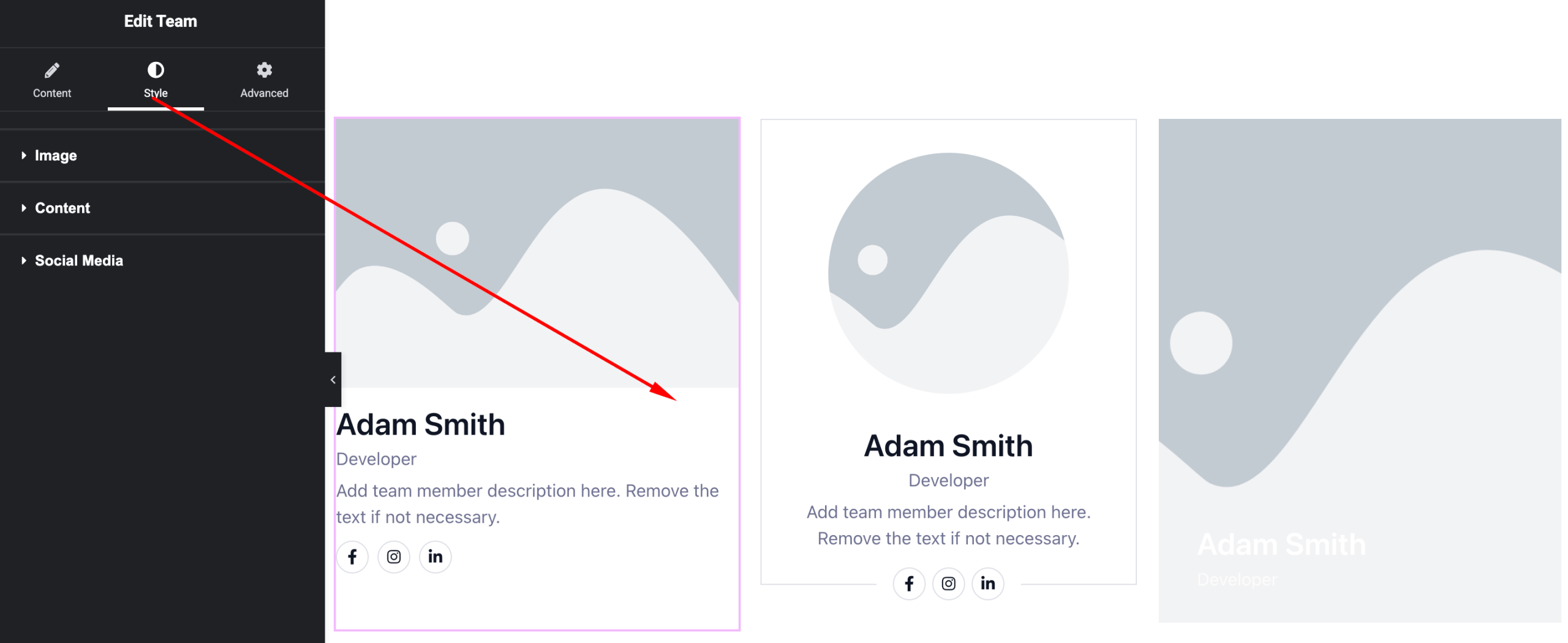
Available Controls:
- Image Styling – Size, border radius
- Typography – Name and designation styling
- Text Color – Customize colors
- Social Icons – Size, color, spacing
- Card Styling – Background, padding, border
- Hover Effects – Animations and transitions
Advanced Settings
Fine-tune layout and responsiveness.
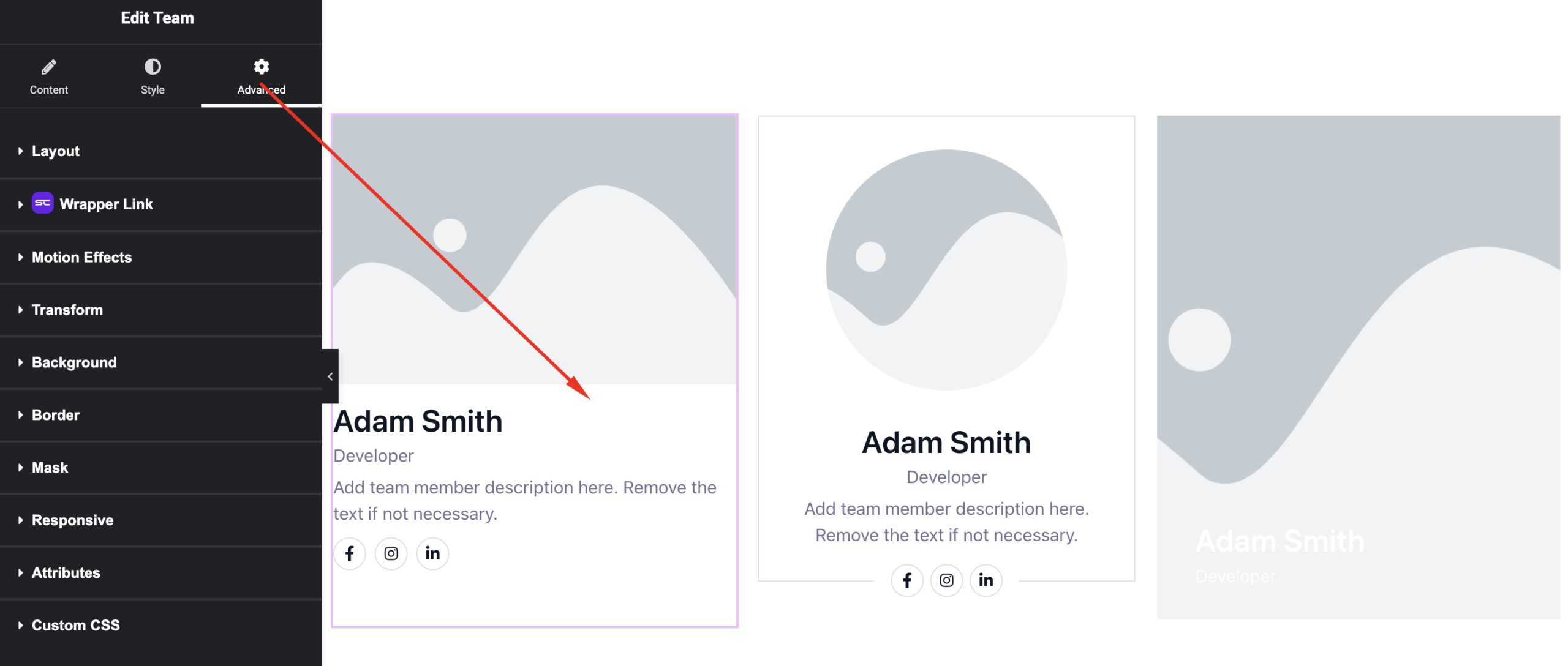
Includes:
- Margin & padding
- Responsive visibility
- Motion effects
- Positioning
- Background & border
Use Cases
Perfect for:
- Team member sections
- Company profiles
- Agency websites
- About pages
Result
You can now create professional and responsive team sections using the SiteCraft Team Widget, with multiple layouts and flexible customization options.