
Overview
The Post Grid widget in SiteCraft allows you to display blog posts or custom post types in structured grid layouts. With 6 predefined styles and built-in pagination, you can create dynamic archive sections with flexible design and query controls.
Key Features
- 6 unique post grid layouts
- Display posts and custom post types
- Archive-based query support
- Multiple column layouts
- Featured image, title, meta, and excerpt
- Built-in pagination support
- Optional “Read More” button
- Fully responsive design
How to Enable the Widget
Before using the Post Grid widget, make sure it is enabled.
Steps:
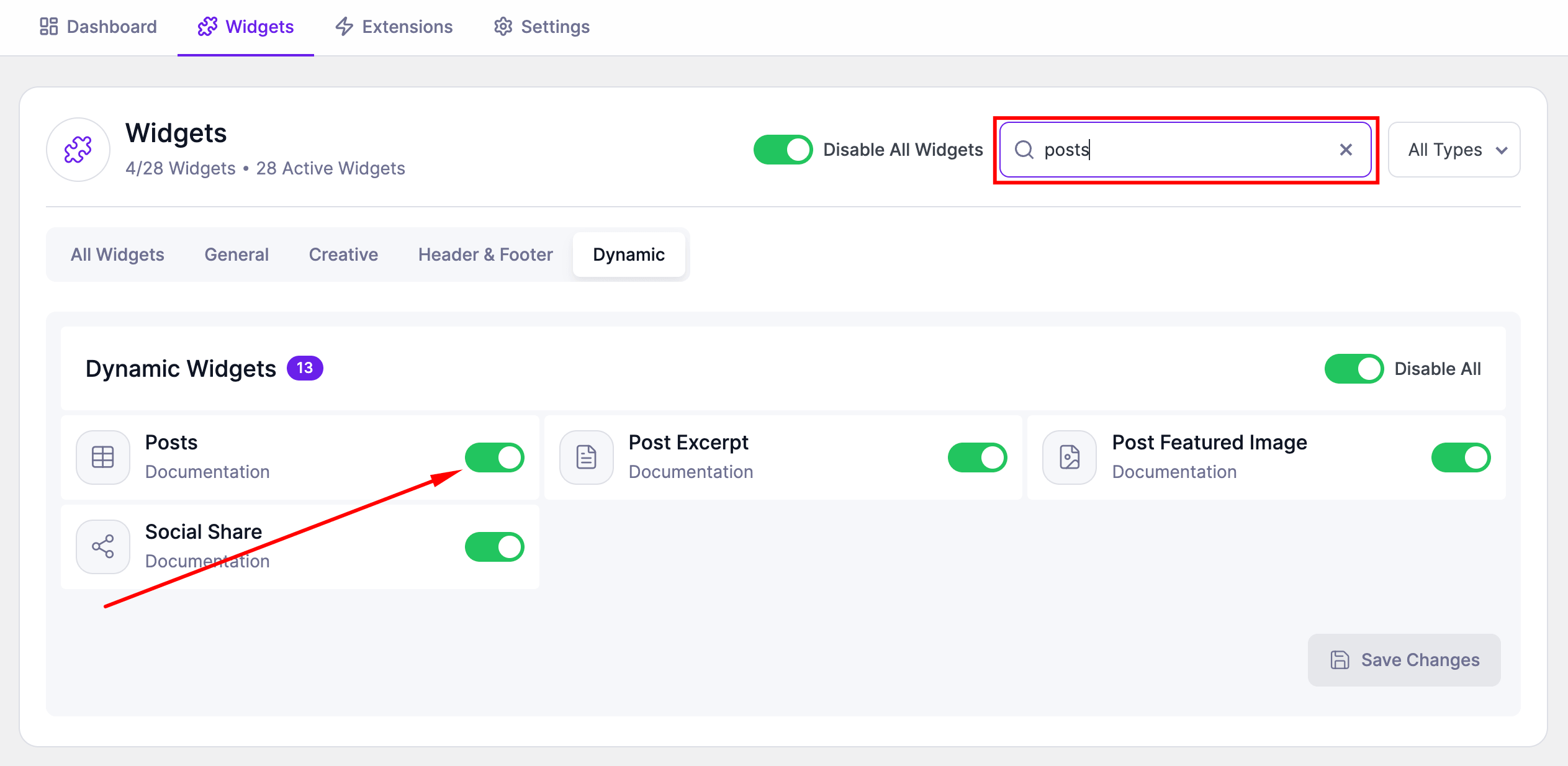
- Go to SiteCraft → Dashboard → Widgets
- Find Post Grid Widget
- Toggle to enable it
- Click Save Changes
How to Add the Widget in Elementor
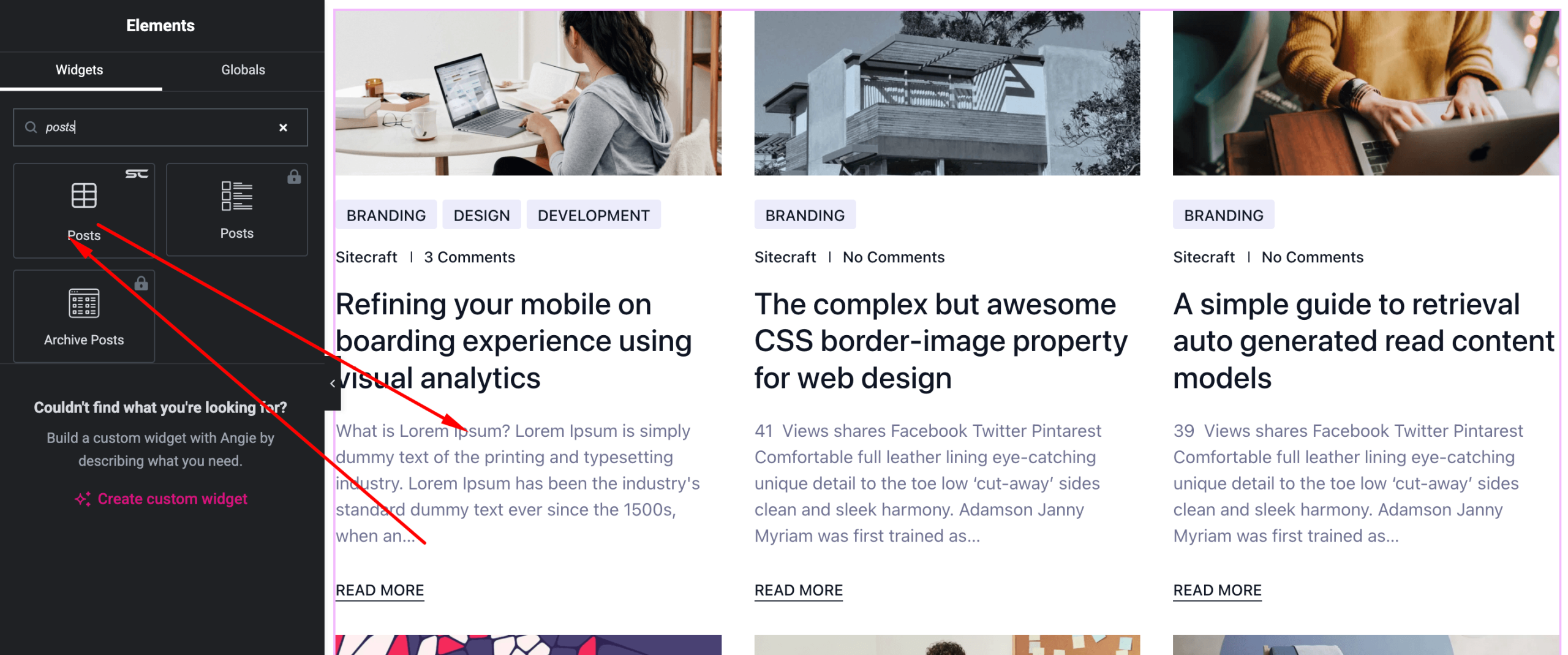
- Open your page with Elementor Editor
- Search for “Post Grid” under SiteCraft widgets
- Drag and drop it into your section
- Choose a layout and configure settings
Content Settings
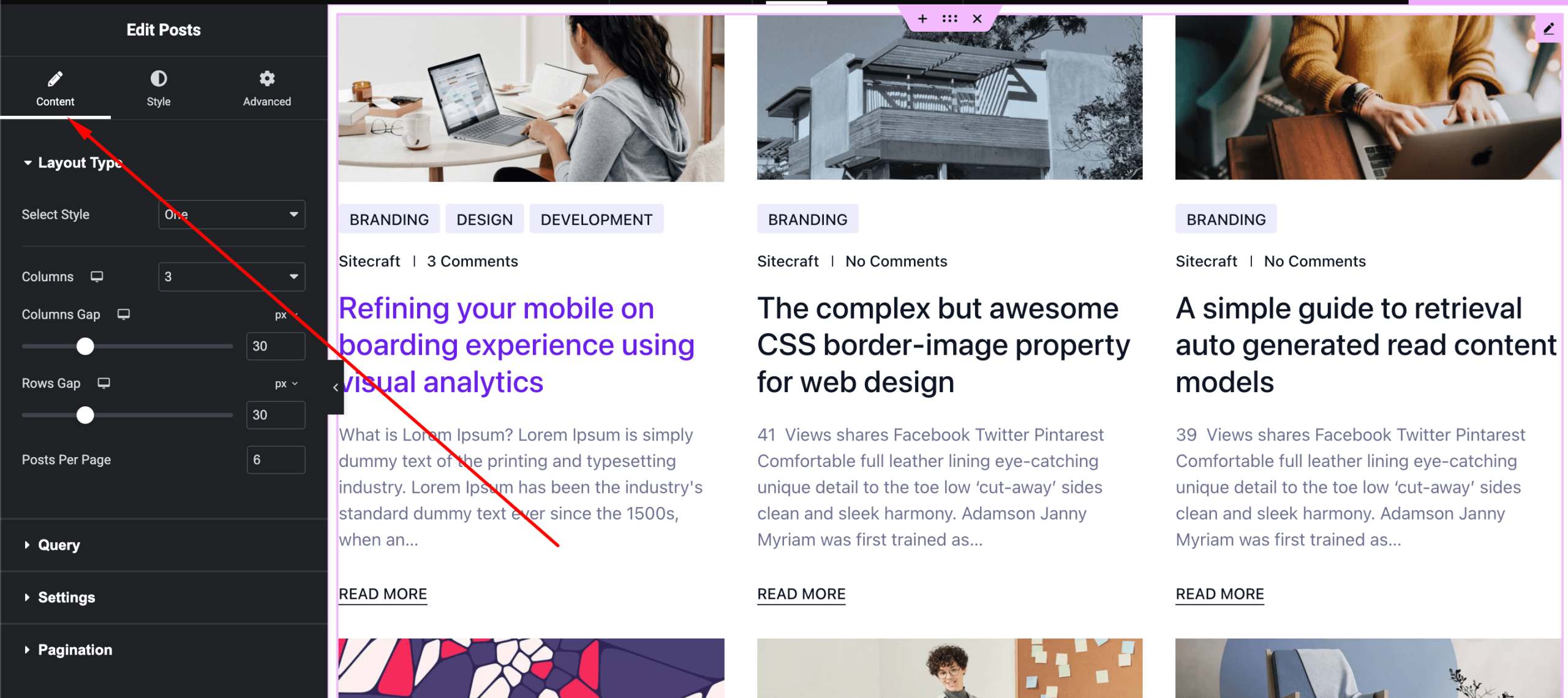
Control post query and layout.
Options:
- Layout – Choose one of 6 styles
- Post Type – Posts or custom post types
- Query Type – Archive / Latest (if available)
- Posts Per Page – Number of items
- Columns – Grid layout
- Show Elements –
- Featured Image
- Title
- Meta (date, author, category)
- Excerpt
- Read More button
- Pagination – Enable/disable
Style Settings
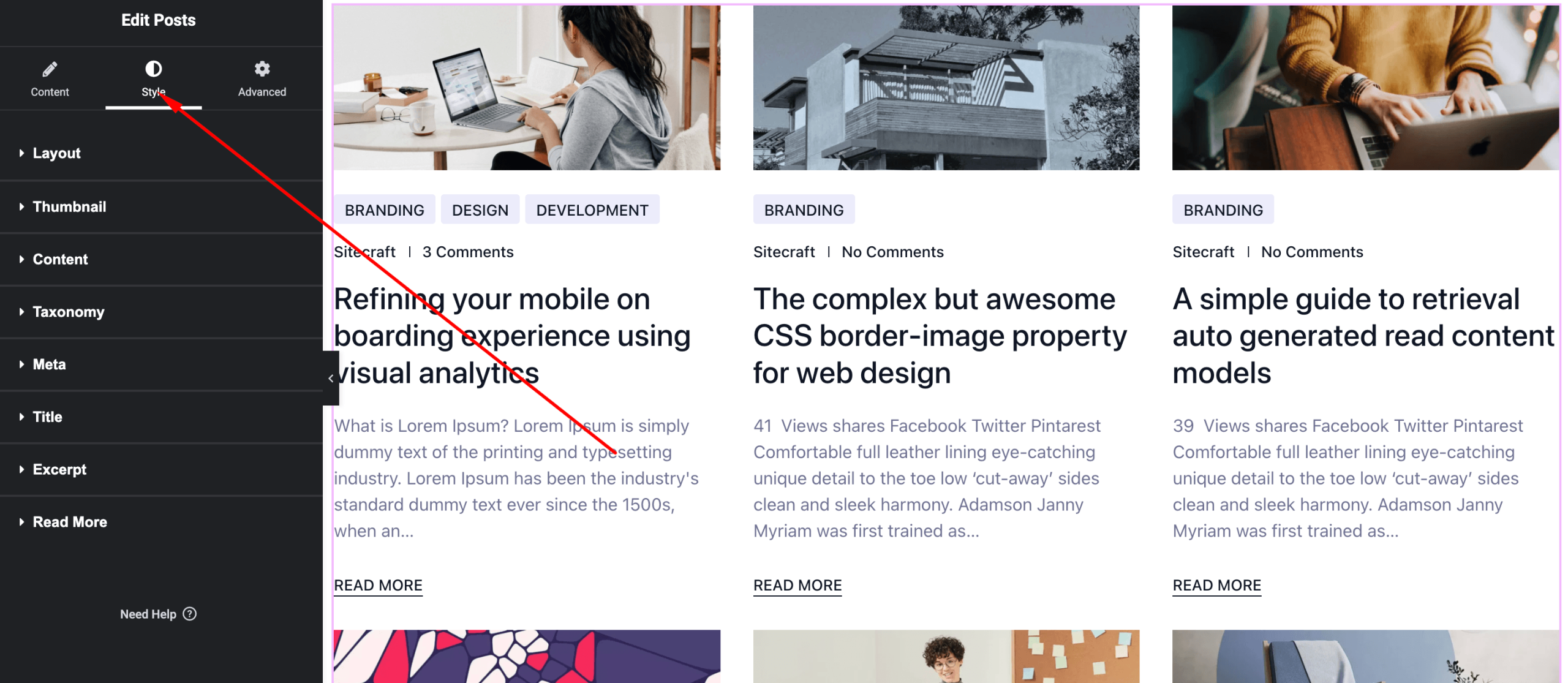
Customize the appearance of the post grid.
Available Controls:
- Typography – Title, meta, excerpt
- Text Color – Customize colors
- Image Styling – Size, border radius
- Card Styling – Background, padding, border, shadow
- Spacing – Gap between items
- Button Styling – Colors and hover effects
- Pagination Styling – Colors, spacing, active state
- Hover Effects – Animations and transitions
Advanced Settings
Fine-tune layout and responsiveness.
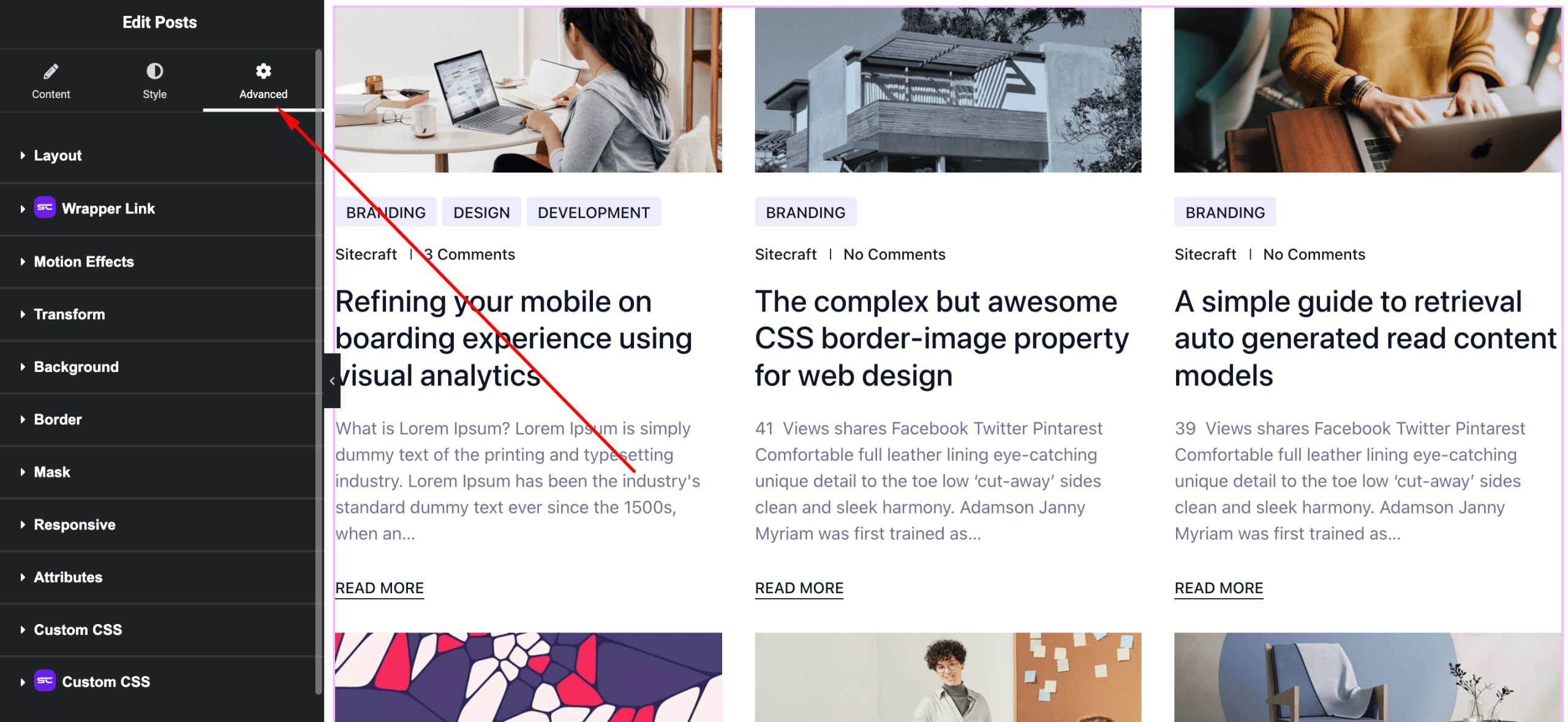
Includes:
- Margin & padding
- Responsive visibility
- Motion effects
- Positioning
- Background & border
Use Cases
Perfect for:
- Blog archive pages
- News sections
- Magazine-style layouts
- Custom post listings
Result
You can now create dynamic, multi-layout blog sections using the SiteCraft Post Grid Widget, complete with pagination for better content navigation.