
Overview
The Countdown widget in SiteCraft allows you to display a live countdown timer to highlight upcoming events, launches, or deadlines. It creates urgency and engagement by showing days, hours, minutes, and seconds ticking down in real time.
Key Features
- Live countdown timer
- Custom target date and time
- Multiple display styles (if available)
- Label customization (Days, Hours, Minutes, Seconds)
- Optional title or message
- Alignment control
- Smooth responsive layout
- Fully responsive design
How to Enable the Widget
Before using the Countdown widget, make sure it is enabled.
Steps:
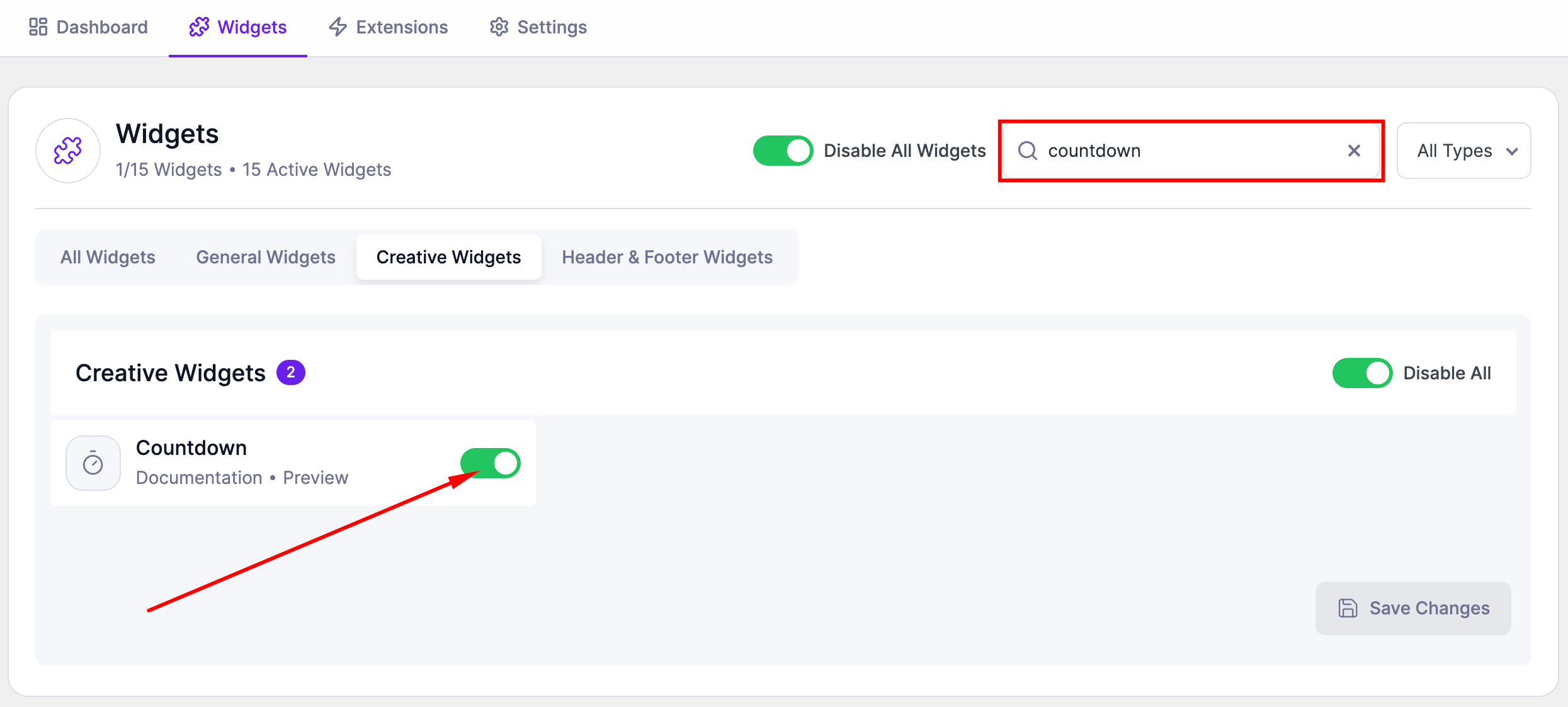
- Go to SiteCraft → Dashboard → Widgets
- Find Countdown Widget
- Toggle to enable it
- Click Save Changes
How to Add the Widget in Elementor
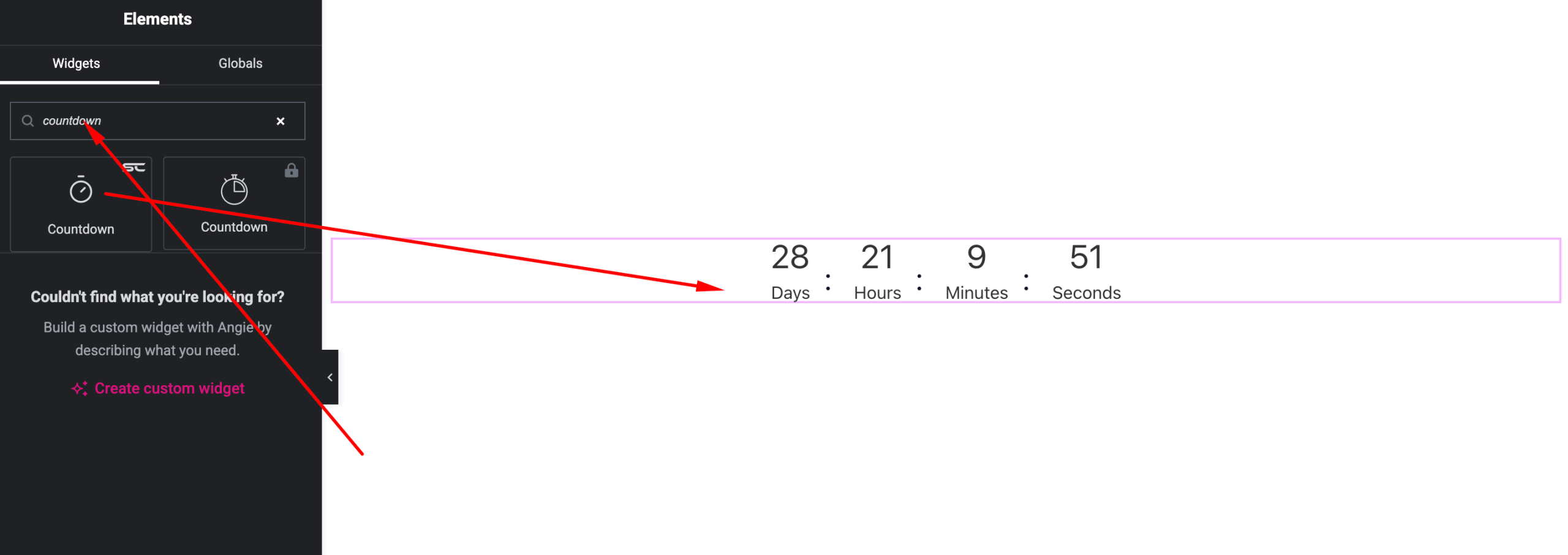
- Open your page with Elementor Editor
- Search for “Countdown” under SiteCraft widgets
- Drag and drop it into your section
- Set your date and customize design
Content Settings
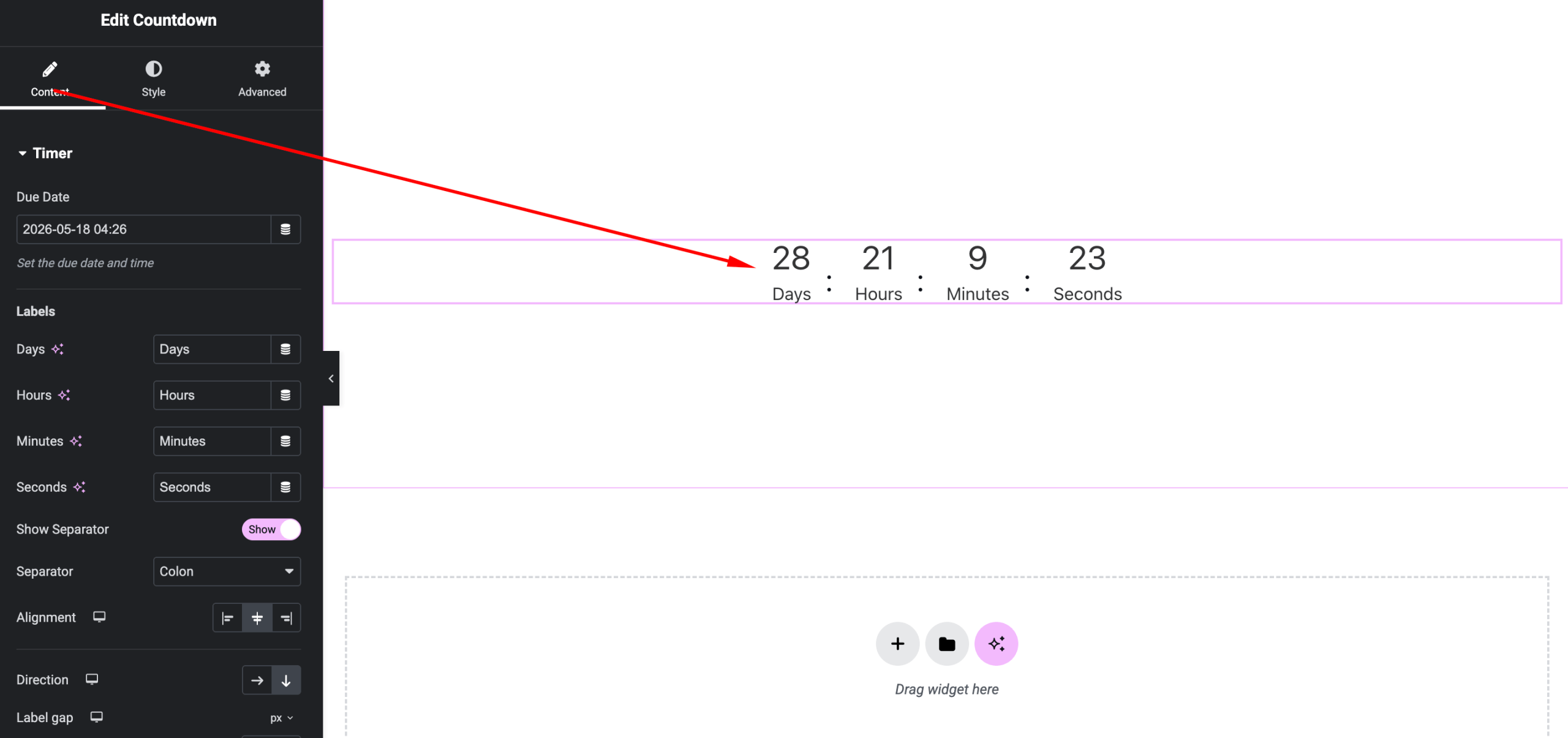
Configure countdown timing and labels.
Options:
- Due Date & Time – Set target event date
- Labels – Customize text for:
- Days
- Hours
- Minutes
- Seconds
- Title/Message – Optional heading above countdown
- Alignment – Left, Center, Right
Style Settings
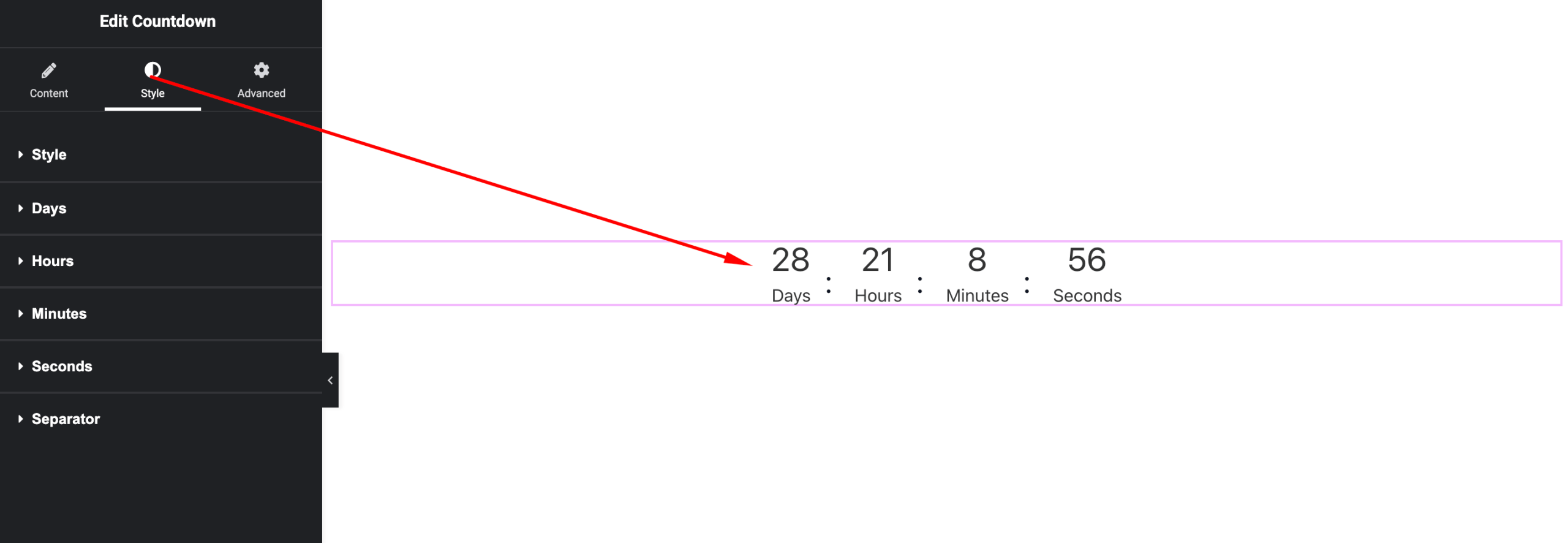
Customize the appearance of the timer.
Available Controls:
- Number Typography – Font, size, weight
- Label Typography – Styling for time labels
- Number Color – Countdown digits
- Label Color – Text under each unit
- Box Styling – Background, padding, border, shadow
- Spacing – Control gaps between units
- Separator Style (if available)
Advanced Settings
Fine-tune layout and responsiveness.
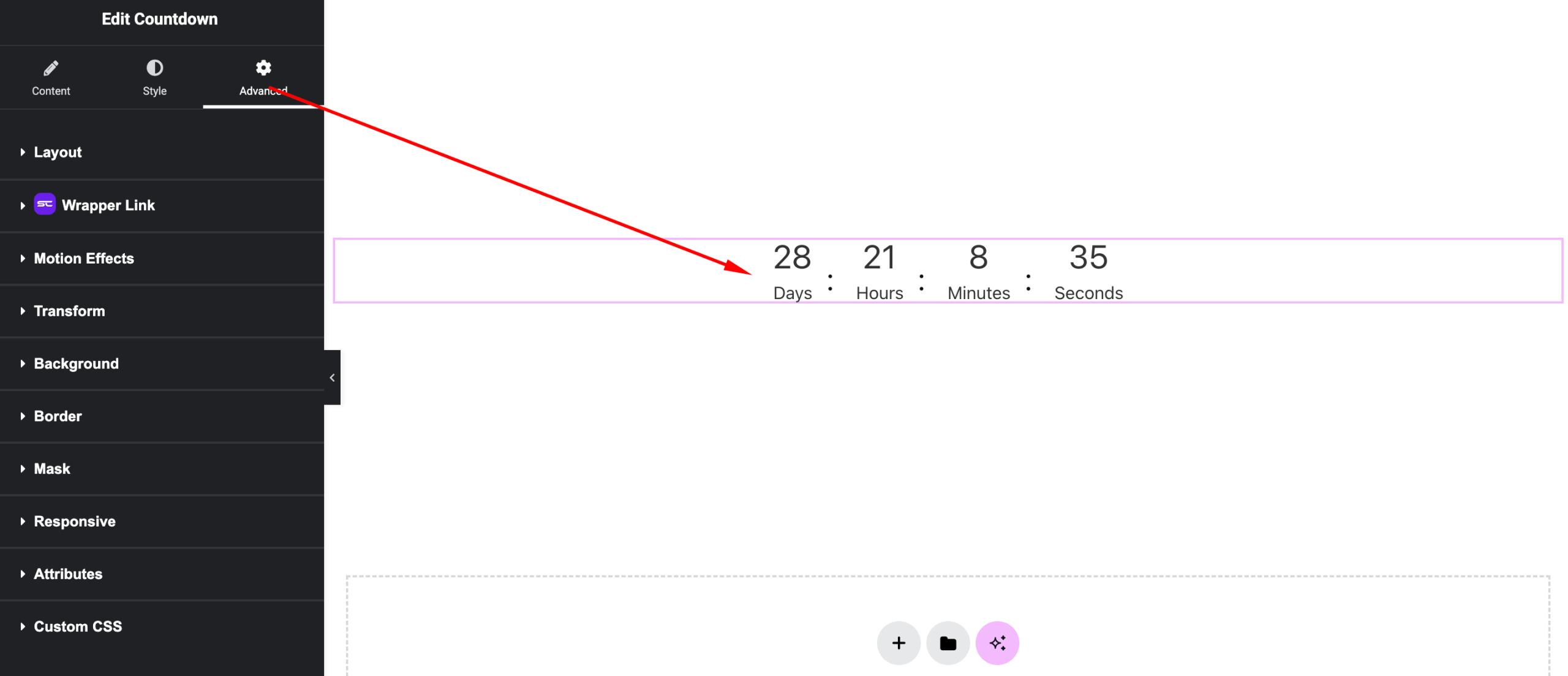
Includes:
- Margin & padding
- Responsive visibility
- Motion effects
- Positioning
- Background & border
Use Cases
Perfect for:
- Product launches
- Event countdowns
- Sales deadlines
- Coming soon pages
Result
You can now create engaging real-time countdowns using the SiteCraft Countdown Widget, helping increase urgency and user interaction.